

- In the W&B dashboard, select your profile icon in the upper-right corner.
- From the dropdown, select Settings.
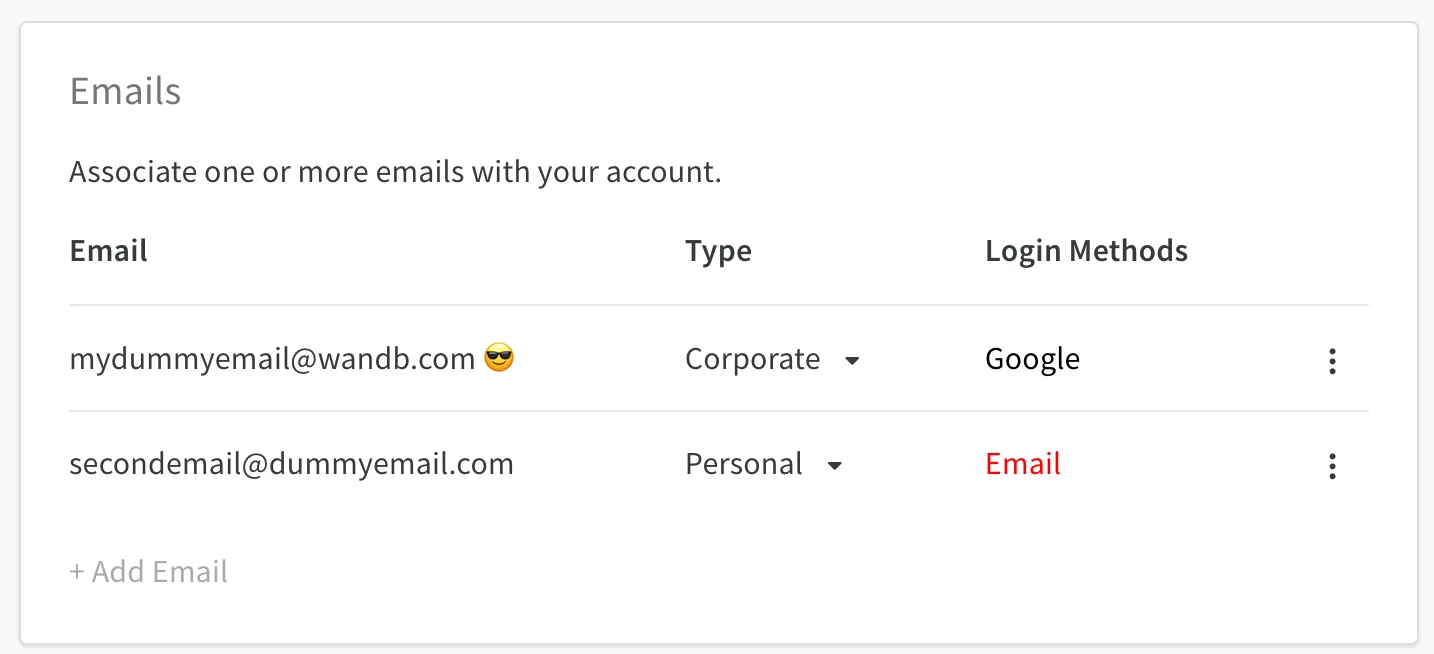
- Scroll down to the Emails dashboard.
Manage primary email
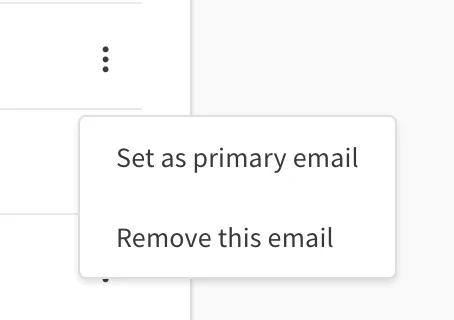
A smiling-face-with-sunglasses icon marks your primary email. Your primary email defaults to the address you provided when you created your W&B account. To change the primary email associated with your W&B account, select the action () menu.You can only set verified emails as primary.
Add emails
To add an email, select + Add Email. The Auth0 page opens, where you can enter credentials for the new email or connect using single sign-on (SSO).Delete emails
To delete an email registered to your W&B account, select the action () menu and choose Delete Emails.You can’t delete a primary email. Set a different email as primary before deleting.